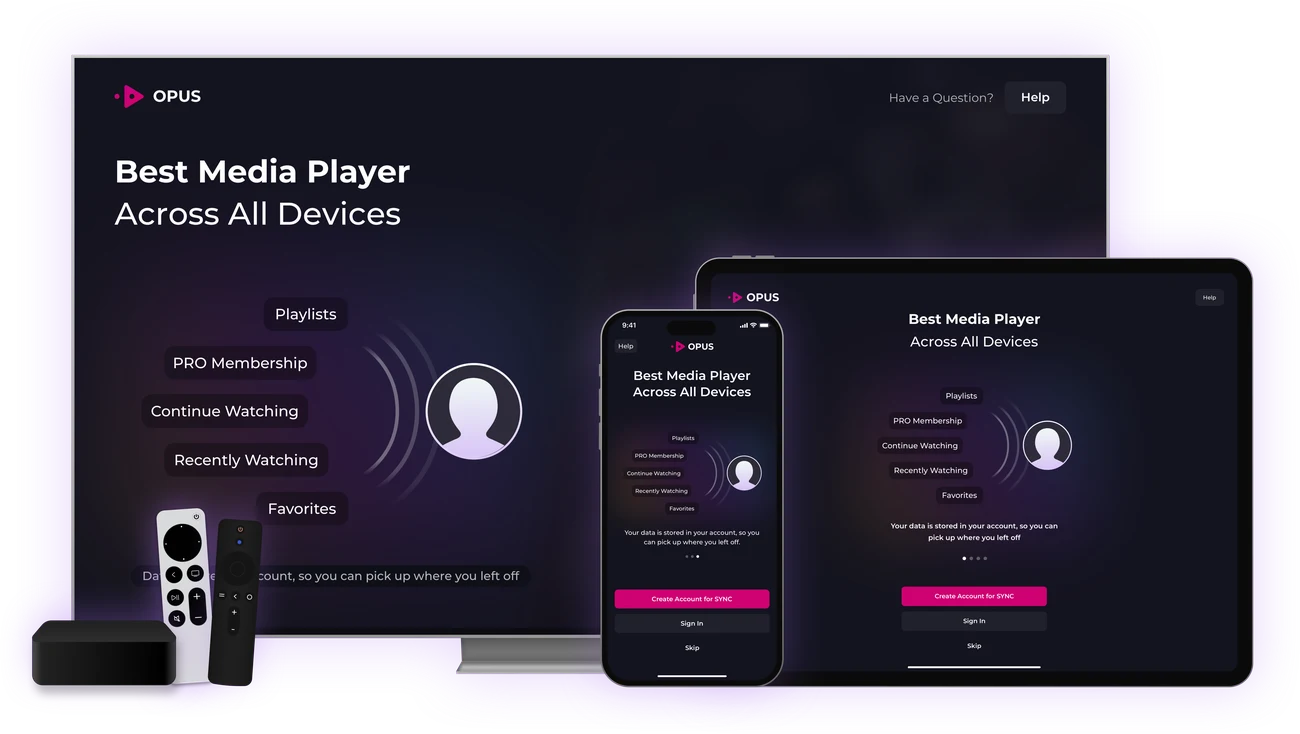

IPTV Player for Every Device
Play your own M3U and Xtream Codes playlists on iPhone, iPad, Mac, Apple TV, Android, Android TV and Fire TV with a fast, simple media player built for big and small screens. Samsung Tizen TV and Windows are coming soon.
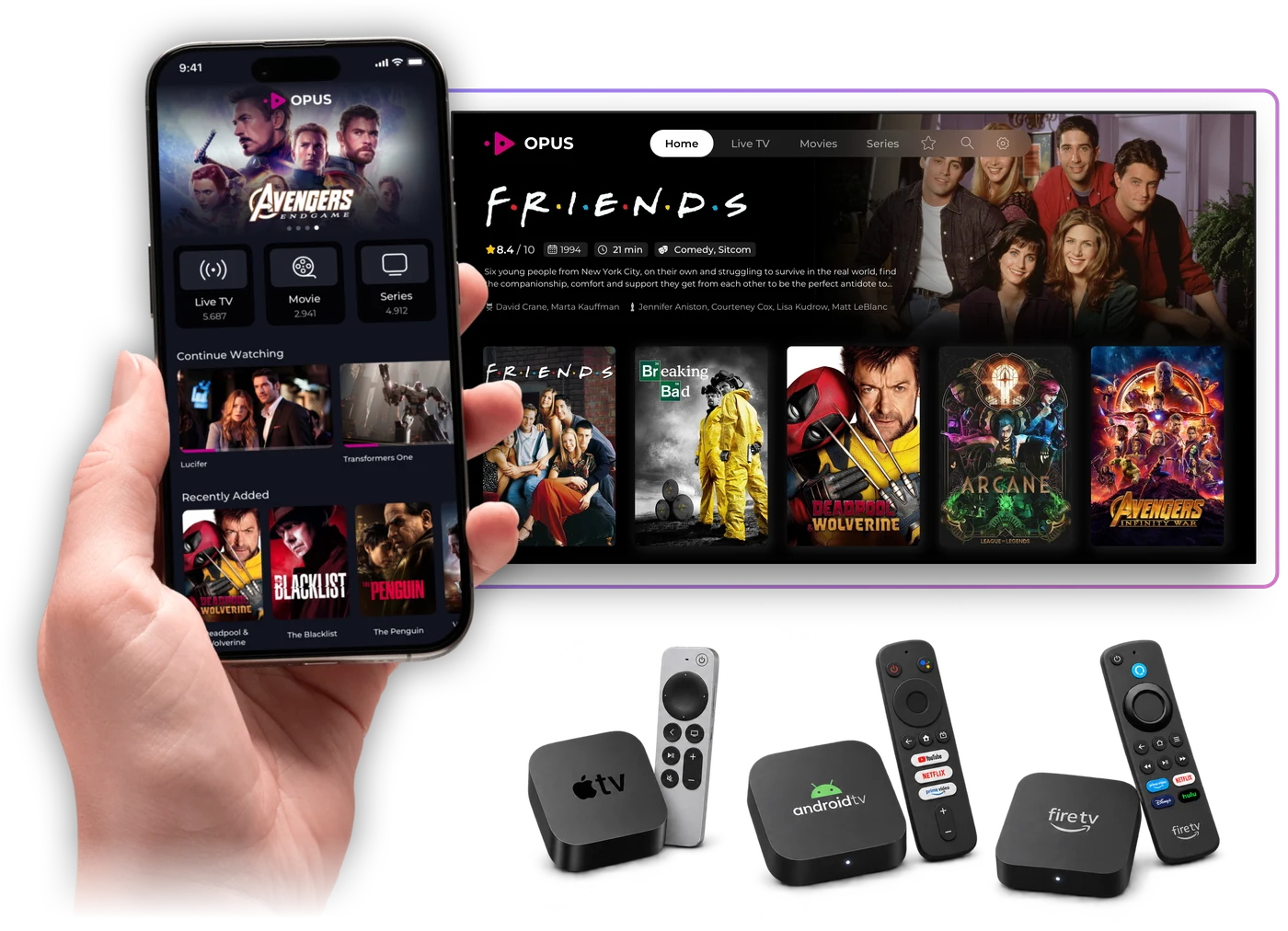
IPTV Player Features
Set up your playlist once and watch everywhere. Opus sorts it into Live TV, Movies and Series, with a TV guide, Continue Watching, Favorites, search and Picture-in-Picture.
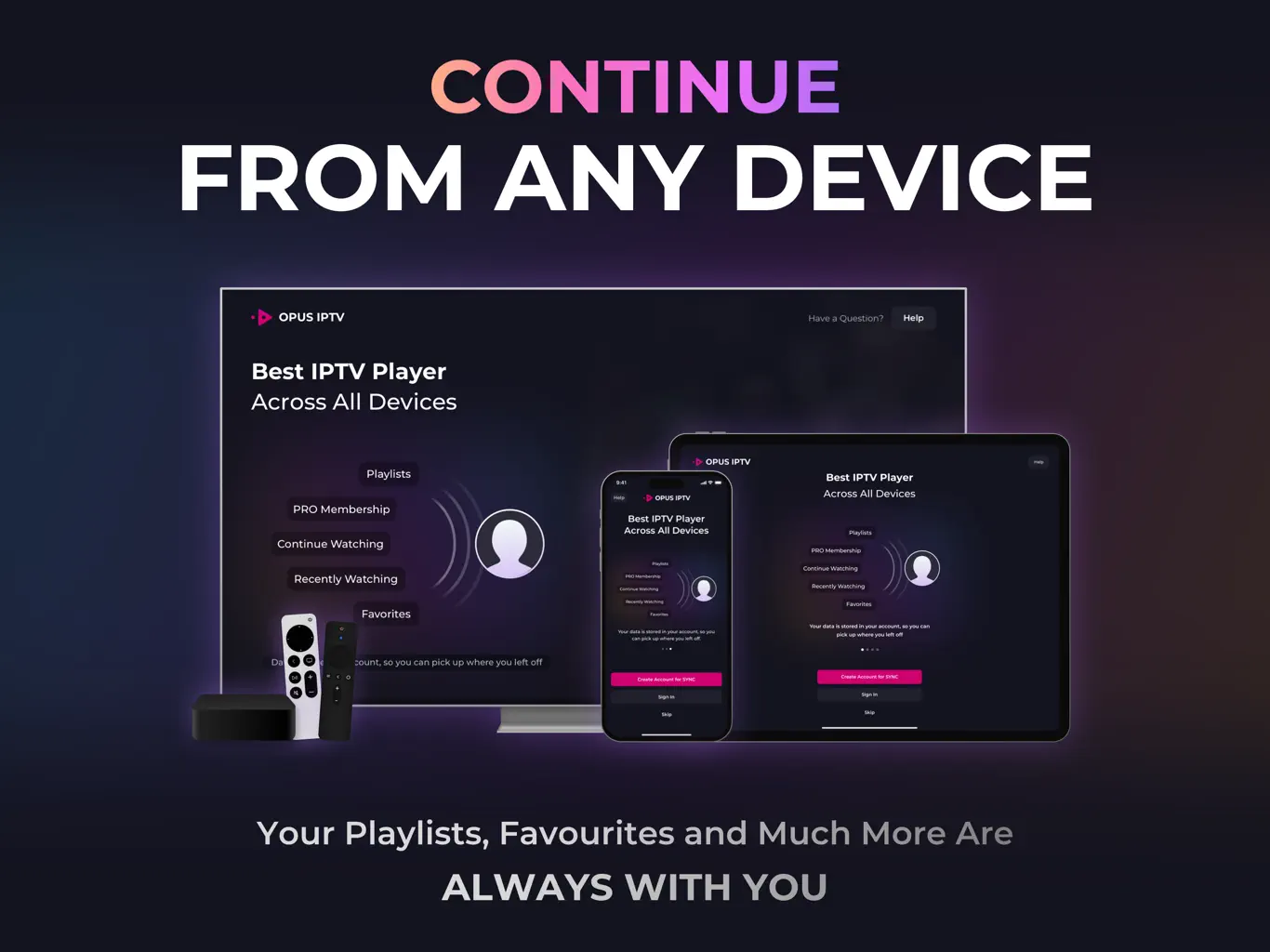
Instant Sync Between All Devices
Add your playlist on your phone and it's ready on your TV. No more typing long M3U links with a remote — your setup stays consistent on every screen you own.
One App for Phones, Tablets & TVs
A touch layout on phones and tablets and a remote-friendly one on TVs, across iOS, iPadOS, macOS, tvOS, Android, Android TV and Fire TV. Samsung Tizen TV and Windows are coming soon.
Modern, Easy-To-Use Interface
Built for everyday watching: a clean interface, fast navigation and TV-friendly controls.
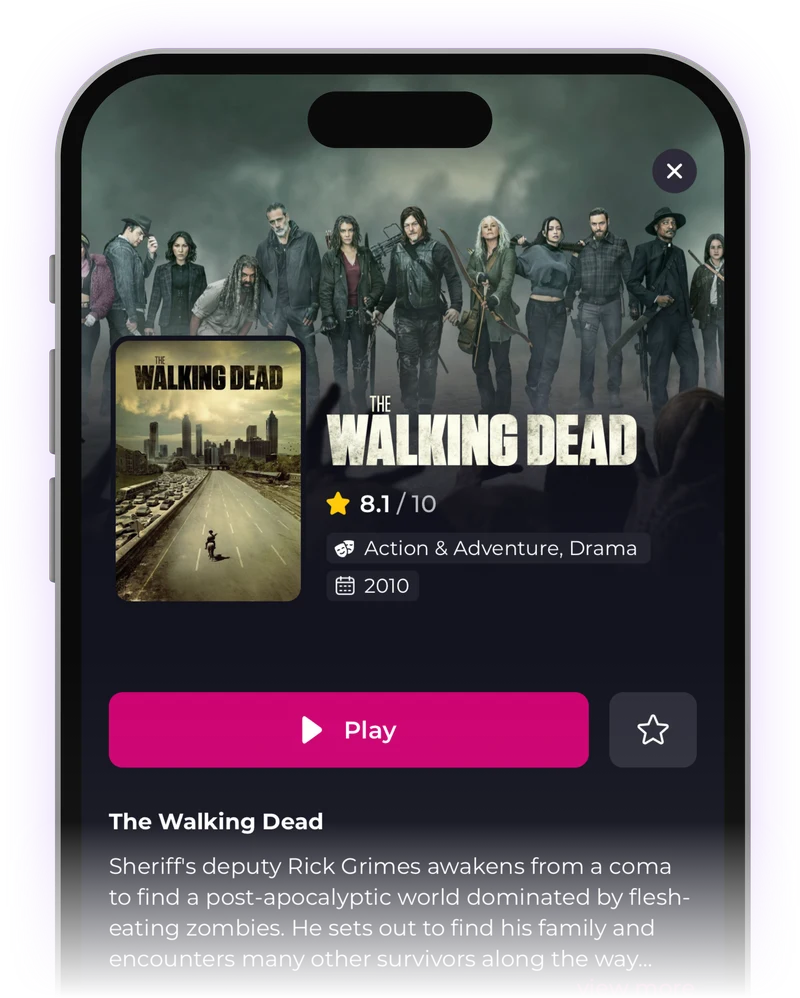
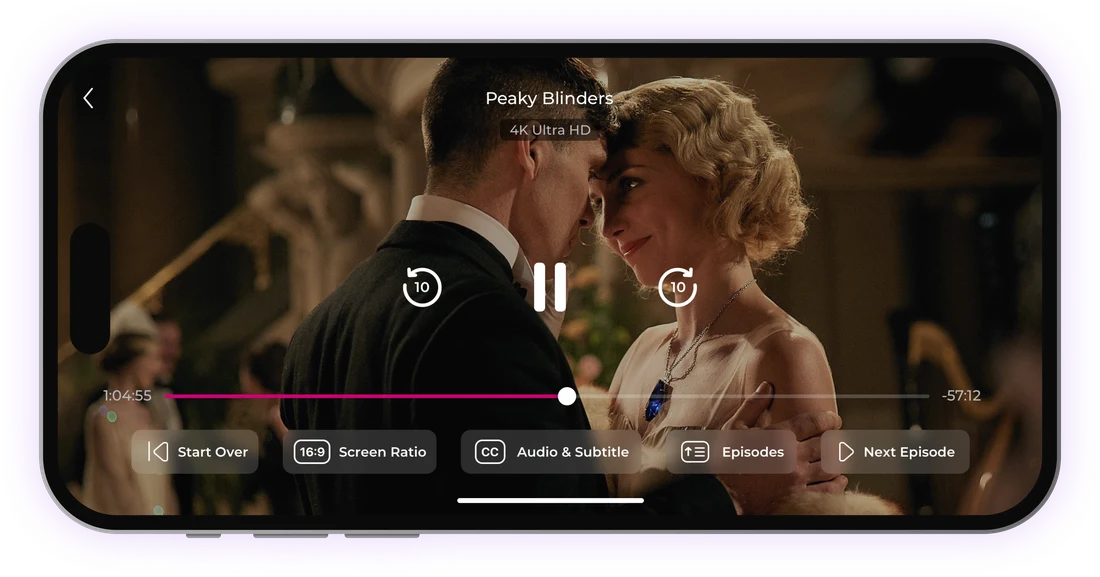
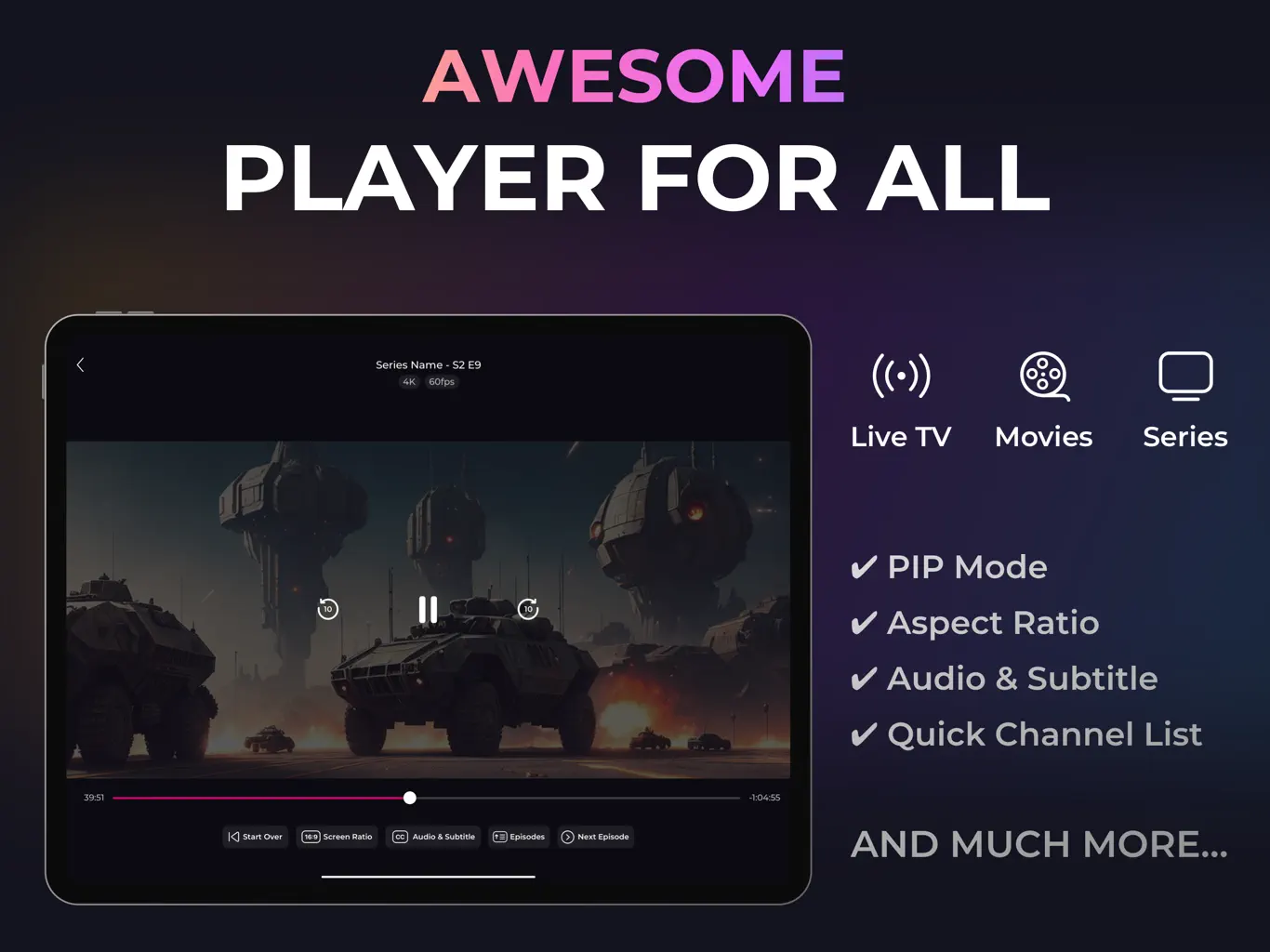
Subtitles, Audio & EPG
Switch subtitles and audio tracks, change the screen ratio, jump to the next episode and see the TV guide (EPG) when your playlist includes it.
See Opus In Action
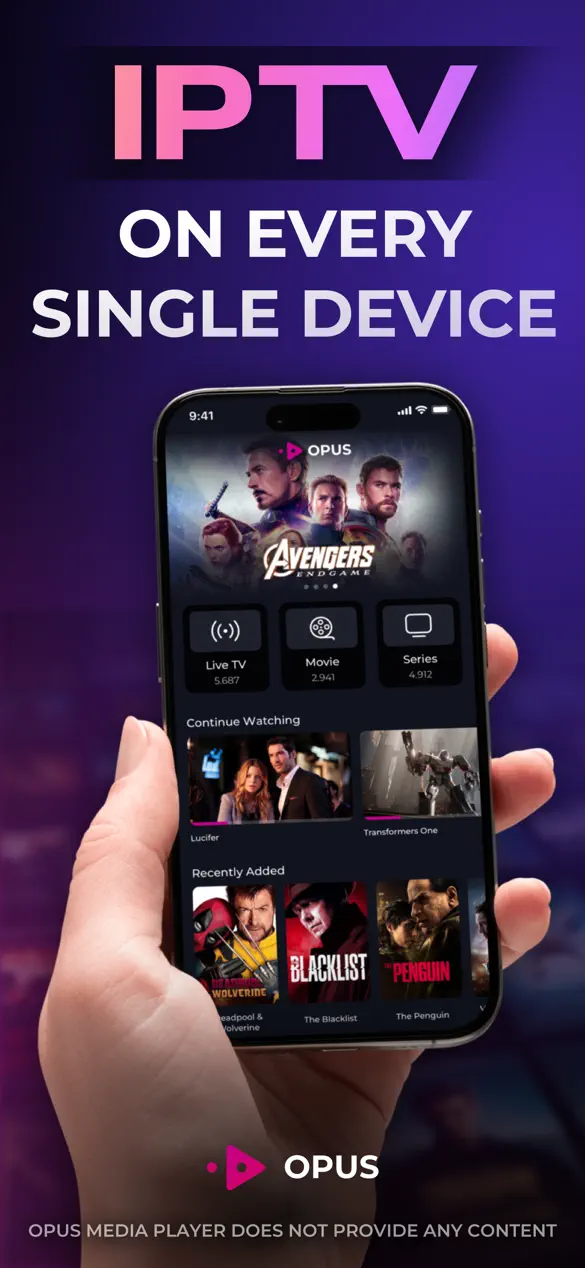
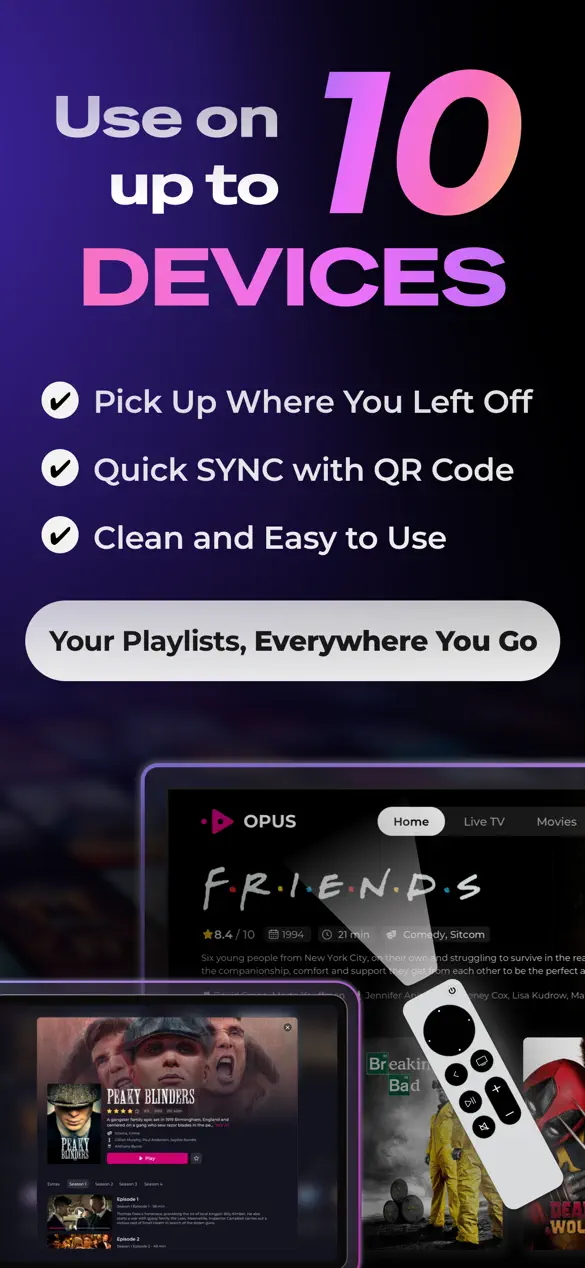
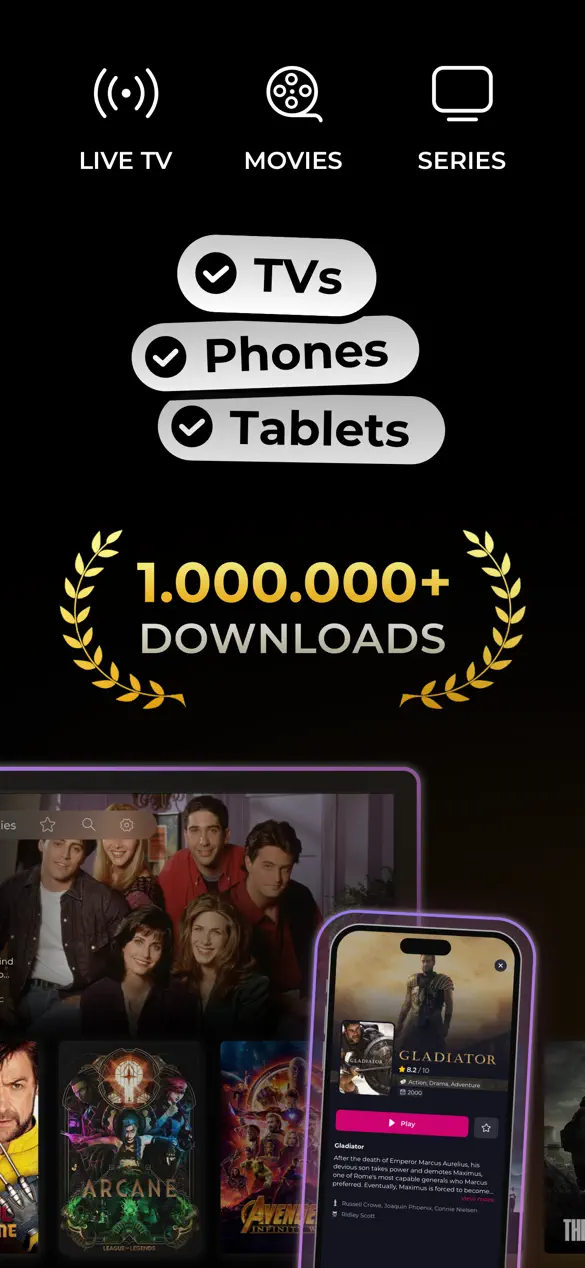
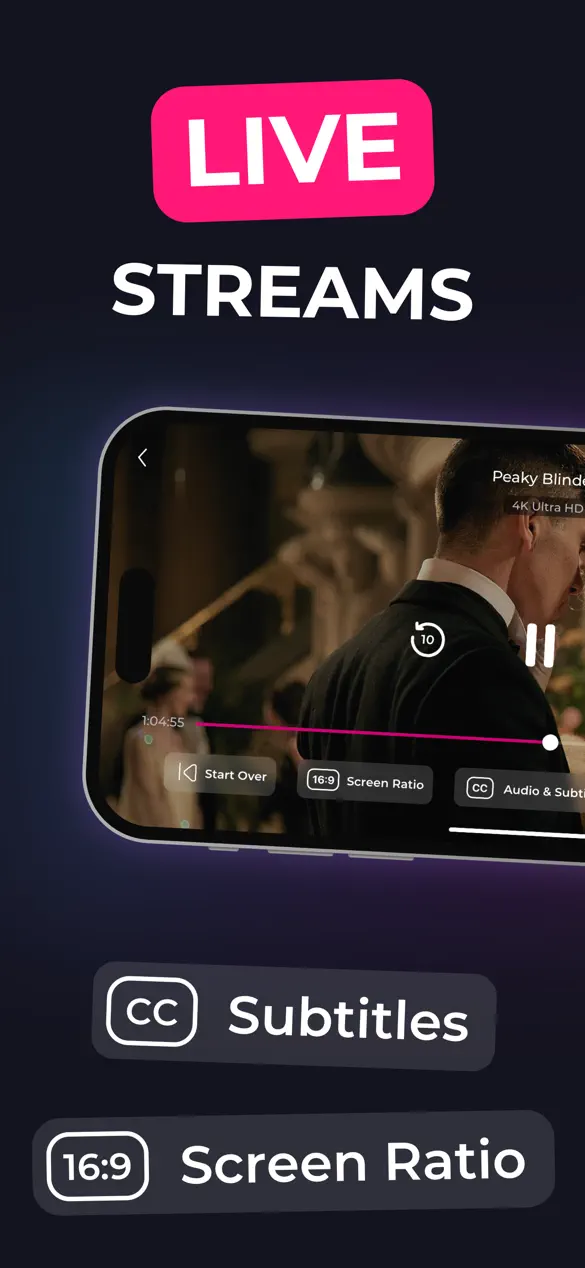
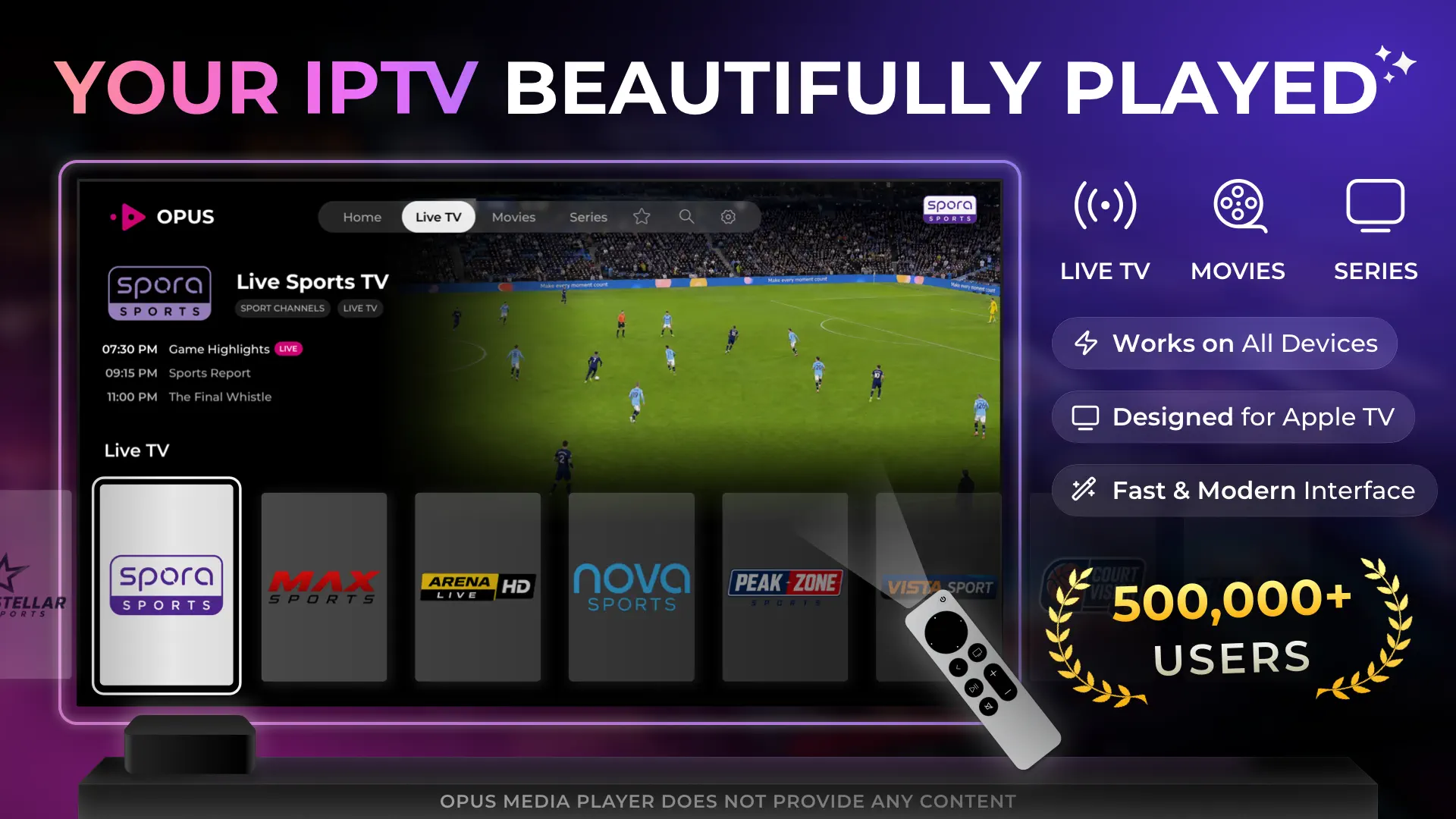
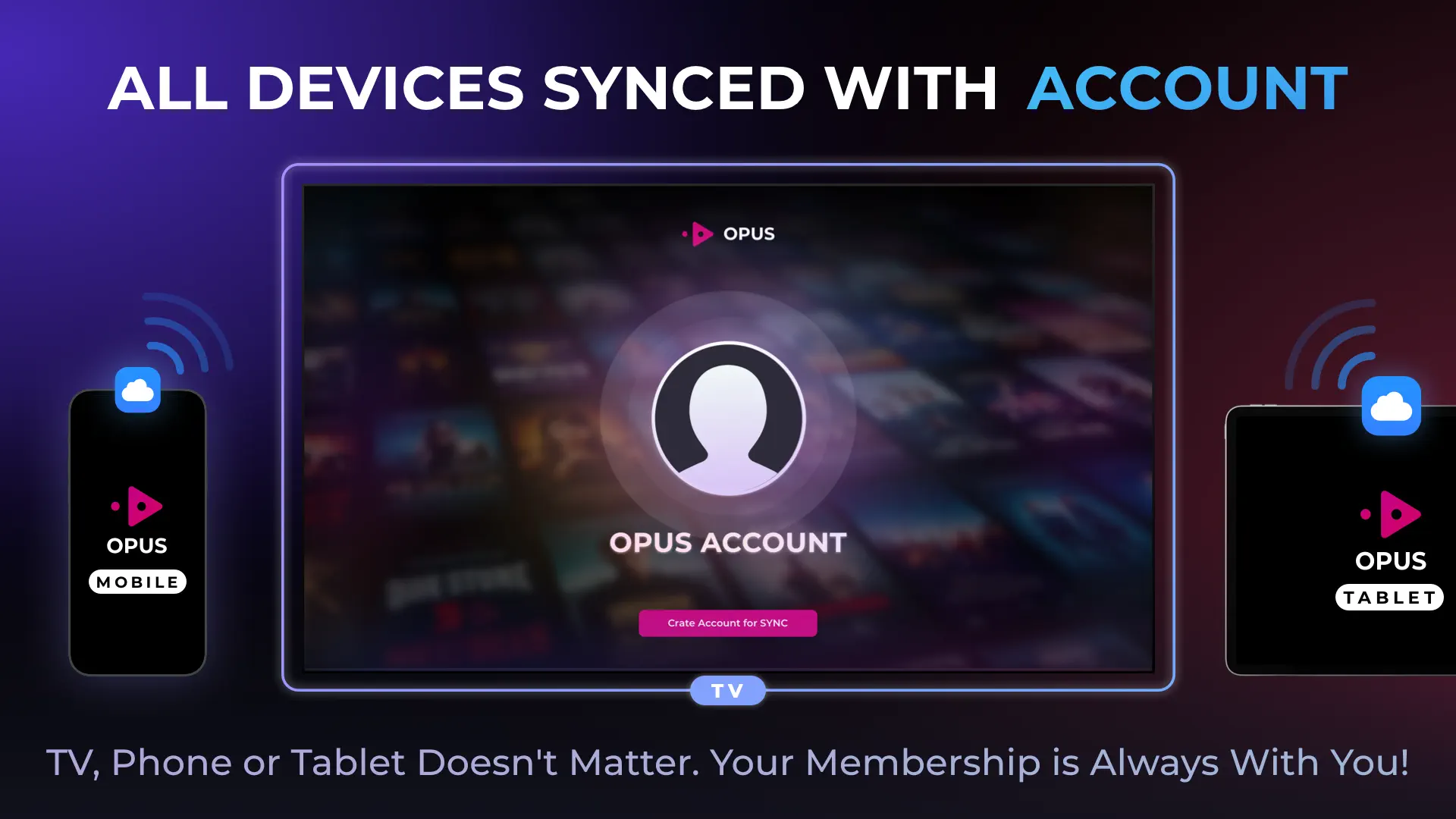
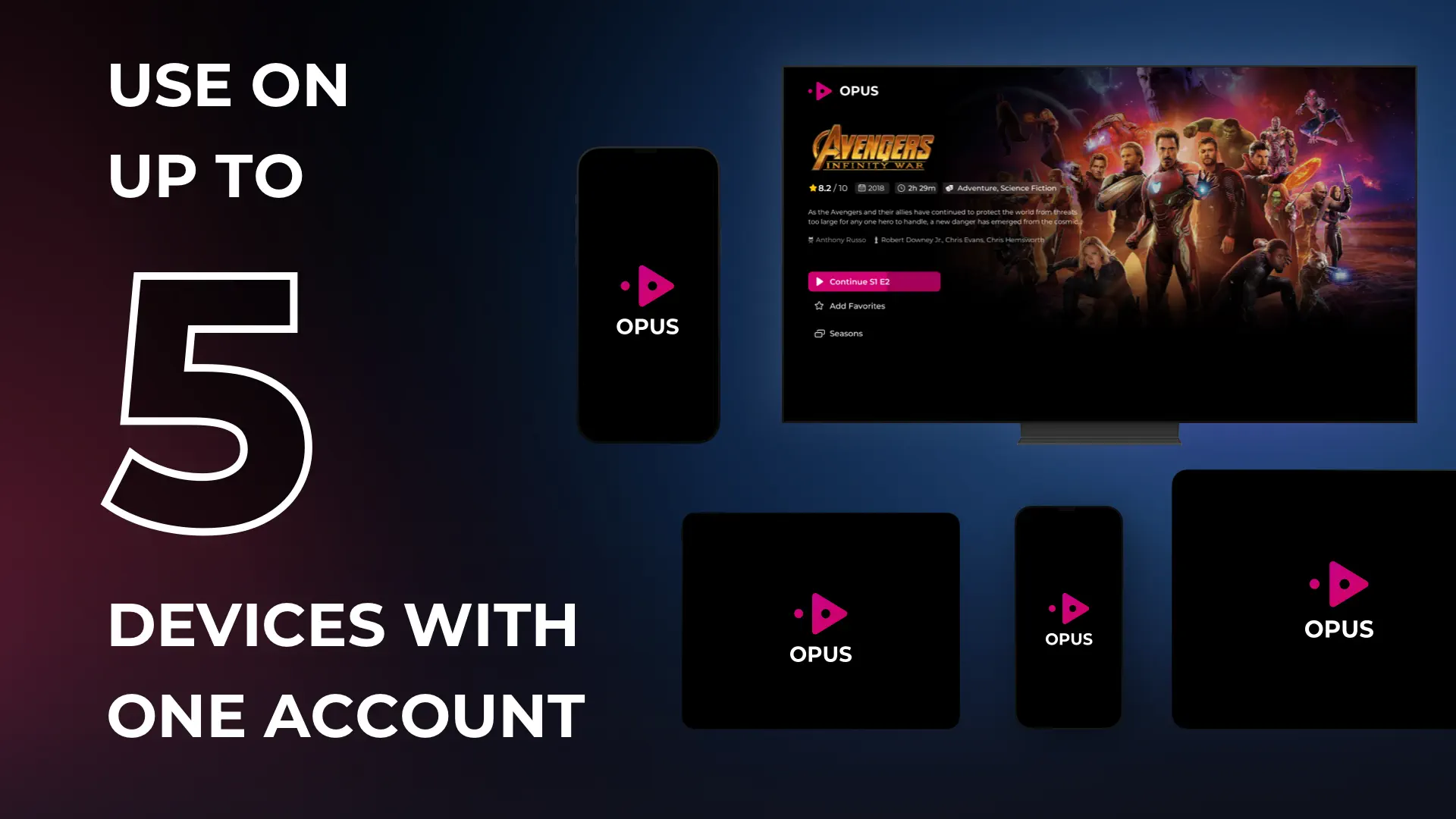
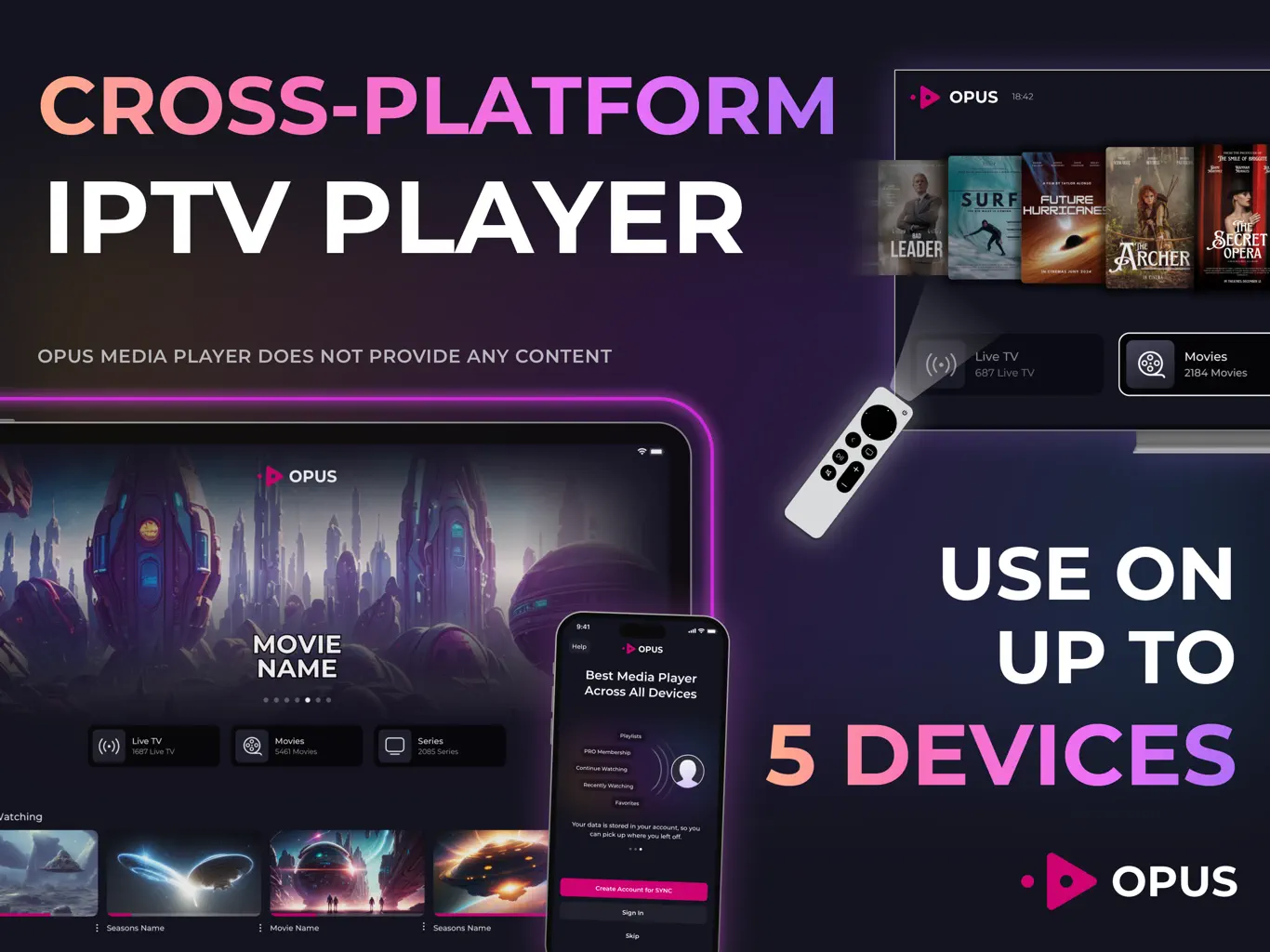
Screenshots are for illustration only. Opus does not provide any channels or content.
M3U & Xtream Codes Support
Bring your own playlist: paste an M3U or M3U8 link, or sign in with Xtream Codes. Opus turns it into a clean library. Only have one of the two? The free Xtream to M3U converter gives you the other. New to playlists? The M3U playlist guide covers setup, and the M3U editor tidies a playlist file.
How to set up Opus
- Download OpusGet it from the App Store or Google Play, or install it on Fire TV.
- Add your playlistPaste an M3U link, or enter the server, username and password of your Xtream Codes account.
- Watch on every deviceYour playlist syncs to your other devices, so there is nothing to retype on the TV.
One Purchase,
10 Devices
Use Opus on up to 10 phones, tablets, computers and TVs, mixed however you like.
Apple TV, Android TV & More
Pick your device for step-by-step setup help, or see setup guides for every device.
Samsung
Rated 4.4 Worldwide
“The best app, primarily due to its cross-device synchronization feature, not to mention a layout worthy of the top streaming apps.”
Opus IPTV FAQ
Opus is an IPTV player app. It plays the M3U and M3U8 playlists and Xtream Codes logins you already have, and sorts them into Live TV, Movies and Series. It does not include channels, playlists or an IPTV subscription.
iPhone, iPad, Apple TV, Mac with Apple silicon, Android phones and tablets, Android TV and Amazon Fire TV. Versions for Samsung Smart TV (Tizen) and Windows are in development and coming soon.
Yes, Opus is free to download on the App Store and Google Play. Optional paid upgrades are available in the app, and the current options for your country are shown on the store listing.
Add the playlist on your phone first, then open the sync option in Opus on the TV and scan the QR code it shows with the phone. The setup transfers across, so nothing has to be typed with the remote.
Fire TV has no Google Play, so Opus is installed with the free Downloader app, which you get from Amazon's app store. The Fire TV button on this page opens the step-by-step install guide.
Guide data comes from your playlist source, not from Opus. If the source does not publish EPG data, the guide stays empty on every player. The EPG guide shows how to check it.
Using a media player like Opus is legal. What matters is the content: only add playlists you have the right to watch, and check the rules in your country.
Still have a question? Write to info@opusiptv.com
You Deserve Better.
A fast, simple player for the playlist you already have, on every screen you own.